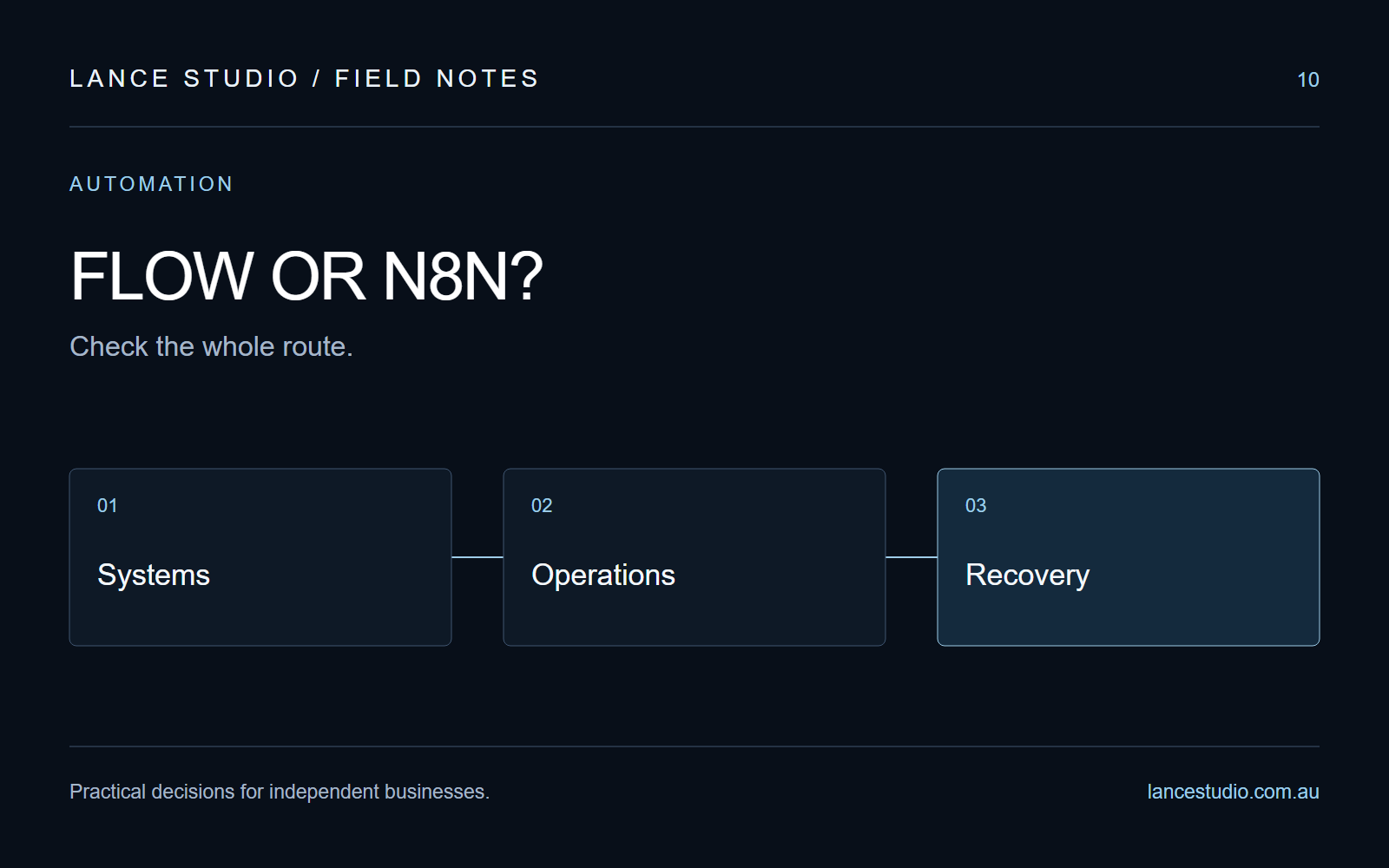
Map the system boundary before choosing n8n
- Route: trigger in __ → data from __ → decision by __ → output in __.
- For each step, record the operation required and whether the candidate supports it. An integration name is not proof of operation support.
- For each write: record changed __; identifier __; duplicate protection __.
- Operator: failure recipient __; safe-retry decision owner __; manual fallback __.
- Choose the simpler tool covering the verified route. Include any custom API maintenance in scope. For an approved-spreadsheet update, specify allowed fields and exception approval before drawing nodes.
Good candidates have a stable input and output
A good first workflow begins with an event or schedule, validates a known set of fields, applies a small number of rules, and produces an output somebody already uses. Daily summaries, task routing, data checks, and draft creation are usually easier to verify than autonomous customer-facing actions.
- A new form submission becomes a qualified follow-up task.
- A product spreadsheet becomes a missing-data review list.
- Store exceptions become one daily operations digest.
- An approved request becomes a draft record for final review.
A useful workflow has more than a happy path
The visible chain of connected apps is only part of the build. A maintainable workflow also needs field validation, an identifiable execution, a route for missing data, and a notification when a step fails. n8n provides execution history and the ability to retry failed workflows, but someone still needs to own the alert and understand whether retrying is safe.
Built-in nodes cover common commerce work
n8n provides built-in Shopify and WooCommerce nodes for common order, product, and customer operations. When an operation is not supported, the HTTP Request node can call an official API. That makes many integrations possible, but custom API work also means handling authentication, version changes, pagination, rate limits, and provider errors.
Validate one integration before expanding
Choose one workflow, use representative test data, and agree on the manual fallback before activation. Confirm who owns credentials, where execution data is stored, what information can be retained, and how the workflow is disabled if an upstream system changes.
- One trigger and one defined outcome.
- Written read and write permissions.
- A normal-path test and a failure-path test.
- An operating note for review, recovery, and future changes.
Official sources
Product, access, and technical details in this article are based on the following official documentation.
Need a custom integration?
Describe the systems involved, the data that needs to move, and the exception that a standard app cannot handle. We can assess whether a custom app or integration is appropriate.