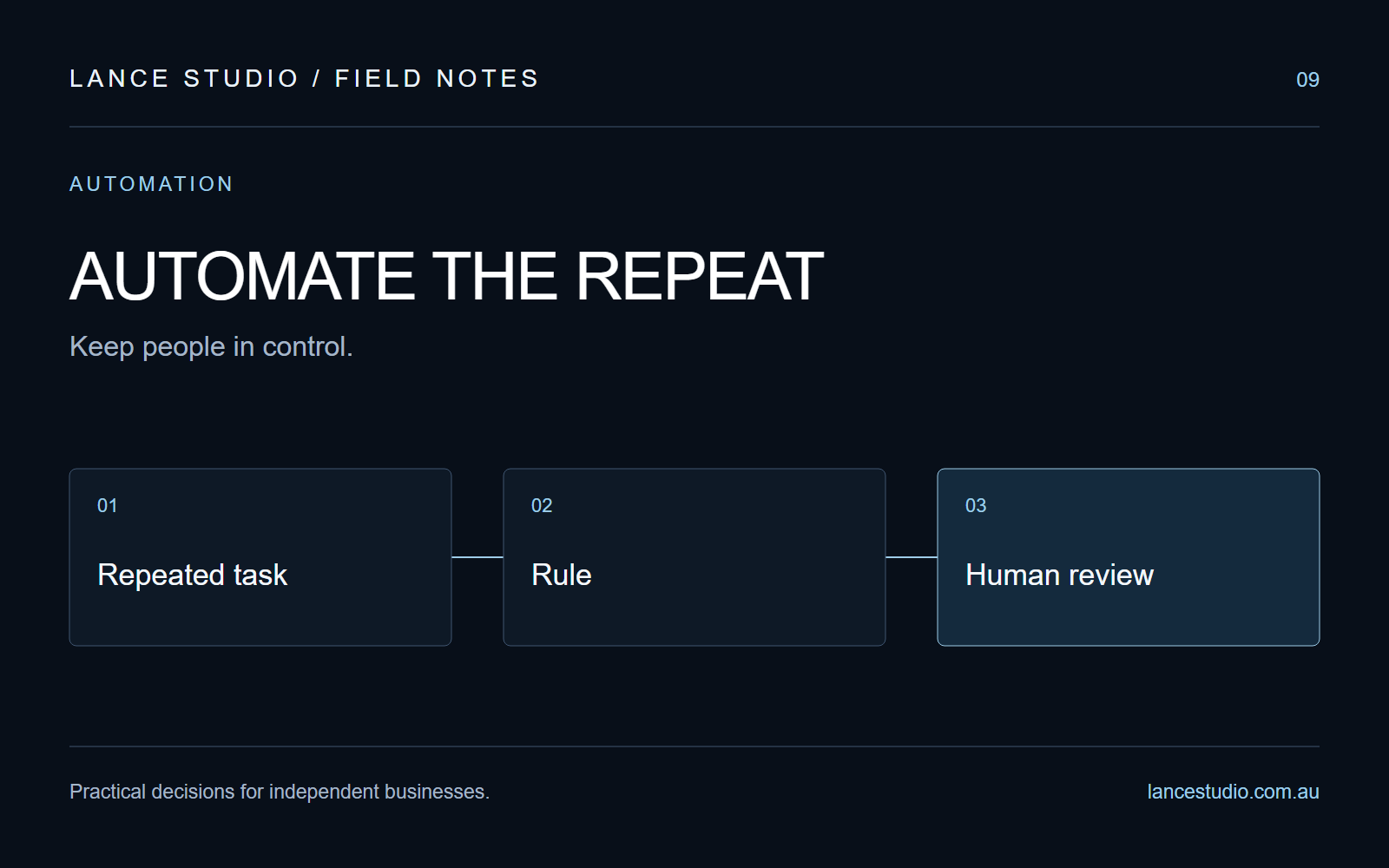
Turn an idea into a workflow card
- Product-data review: required fields → missing-field rule → review list → catalogue reviewer. Leave publishing outside version one.
- Order digest: agreed order states/timestamps → written exception criteria → review list, not automatic refunds or fulfilment.
- Enquiry routing: required form fields → completeness check → assigned follow-up task; incomplete requests go to review.
- For one selected example, write: run time __; destination __; failure owner __; stop method __; normal test __; missing-data test __. These are planning examples, not configured workflows.
Start with a repeated decision, not a tool
Write down one task your team repeats, what starts it, which information is required, who makes the decision, and what a correct result looks like. If the process changes every time or nobody agrees on the outcome, automating it will make the confusion faster rather than remove it.
- Choose a task that happens often enough to notice.
- Use a clear trigger and a small set of required fields.
- Keep one owner for exceptions.
- Measure a simple operational result such as fewer missed items—not a speculative revenue forecast.
Five safe ideas for an existing Shopify store
- Create a daily review list for low-stock or incomplete products.
- Validate product data and prepare a draft product for approval.
- Group unusual, delayed, or unfulfilled orders into an operations digest.
- Route a wholesale enquiry to the right person and create a follow-up task.
- Turn an approved content request into a structured store task with the required assets attached.
Use Shopify Flow when the work stays inside Shopify
Shopify Flow already provides triggers, conditions, and actions for store and app events. It can be the simplest choice when the whole workflow fits inside supported Shopify actions. A cross-system tool becomes useful when the process also needs a spreadsheet, database, CRM, inbox, or another commerce platform.
The decision should be based on the workflow boundary and maintenance burden—not on which automation tool sounds more advanced.
Define the failure path before launch
A production workflow needs to explain what happens when credentials expire, required data is missing, an API rate-limits a request, or the same webhook arrives twice. Shopify advises webhook consumers to verify authenticity, respond promptly, and handle duplicate deliveries safely.
- Record an identifiable event or order reference.
- Do not expose credentials in workflow screenshots or handover documents.
- Send failures to a person who can act on them.
- Test a duplicate and a missing-field example before activation.
Official sources
Product, access, and technical details in this article are based on the following official documentation.
Need a custom integration?
Describe the systems involved, the data that needs to move, and the exception that a standard app cannot handle. We can assess whether a custom app or integration is appropriate.