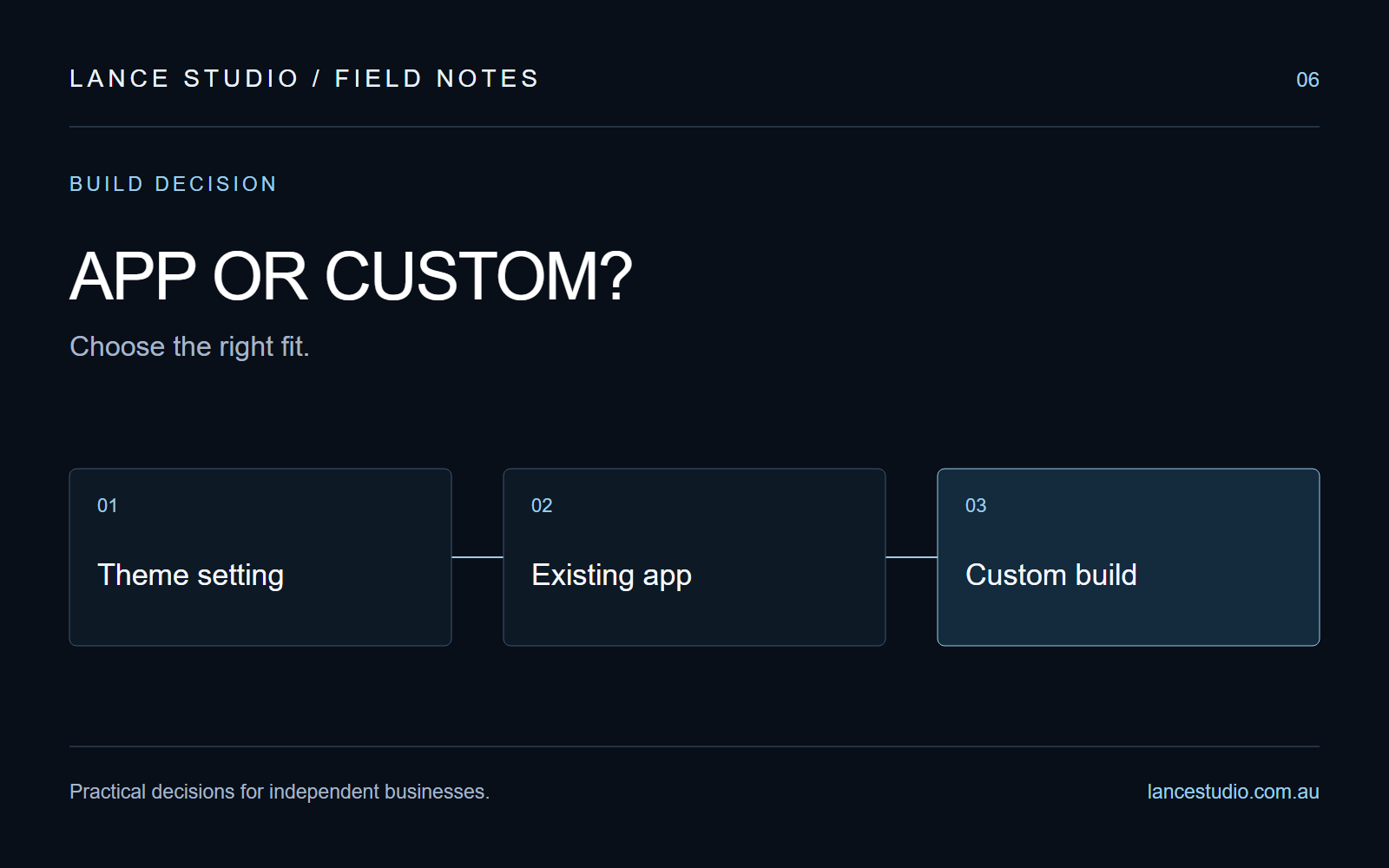
Compare all three options against one requirement
- Outcome: when __ happens, __ must receive __. What must never happen __.
- Theme setting: unmet requirement __; staff workaround required __.
- Existing app: required data covered __; exceptions covered __; export needs __.
- Custom build: exact gap closed __; maintenance owner __; failed/repeated operation handling __.
- Hypothetical inventory-sync project: name the authoritative system, matching records and failed-update behaviour before comparing an existing integration with custom development.
Use what the theme already provides first
Modern Shopify themes can handle more than many merchants realise: reusable sections, product templates, metafields, filters, colour schemes, and app blocks. If a native setting meets the requirement, it is usually cheaper to maintain and easier for staff to control.
- Check theme settings and available sections.
- Check whether the same section can be added to the required template.
- Confirm whether a metafield can hold the content without code.
- Test the mobile layout before deciding the feature is missing.
Choose an app when the workflow is standard
Reviews, subscriptions, bookings, search, returns, and many merchandising patterns already have established apps. An app makes sense when its normal workflow matches yours, its permissions are acceptable, and its monthly cost is lower than building and maintaining the feature.
Do not compare only the first month. Check how pricing changes with orders or usage, whether data can be exported, who provides support, and what remains in the theme if you uninstall it.
Custom development earns its place in three situations
- The store has a specific workflow that existing apps cannot model without awkward workarounds.
- Several small app subscriptions and scripts can be replaced by one bounded theme or integration change.
- The requirement affects customer experience or operations enough to justify owning the behaviour and its maintenance.
Ask for a maintainable delivery
A good developer should identify the files or systems affected, work on a duplicate or unpublished theme where practical, share a preview, test the agreed devices and flows, and provide a short handover. Store-specific code should be easy to locate and should not quietly depend on one person’s computer.
For integrations, also ask what happens when Shopify or the external system retries, times out, or returns incomplete data. That is where apparently small automations can create duplicate orders, points, or updates.
Official sources
Product, access, and technical details in this article are based on the following official documentation.
Planning a custom Shopify website?
Share your store, the customer journey you want to improve, and what your current theme cannot support. We can assess the scope of a custom Shopify build.