Choose the first contact from the symptom
- Platform or Shopify-made feature unavailable: check Shopify Status, then record the symptom and time for Shopify Support.
- One third-party app fails: give its vendor the app name, error and reproduction steps before uninstalling.
- Custom theme section or integration fails: give its developer the affected URL, expected result and recent changes.
- Copyable report: On [URL], using [device/browser], I did [steps]. Expected [result], saw [error]. Began [time]. Recent changes [list]. Checks completed [list]. Remove unnecessary customer data.
Capture the problem before changing anything
- Record the exact page URL and the device and browser used.
- Copy the full error message instead of paraphrasing it.
- Take a screenshot or short recording that includes the steps before the error.
- Note when it started and whether a theme, app, product, market, or payment setting changed beforehand.
- Check whether the problem affects everyone or only one customer, device, location, or product.
This information is useful even if the fault disappears. It prevents the next person from repeating basic questions and helps separate a platform outage from a store-specific change.
Use a simple ownership test
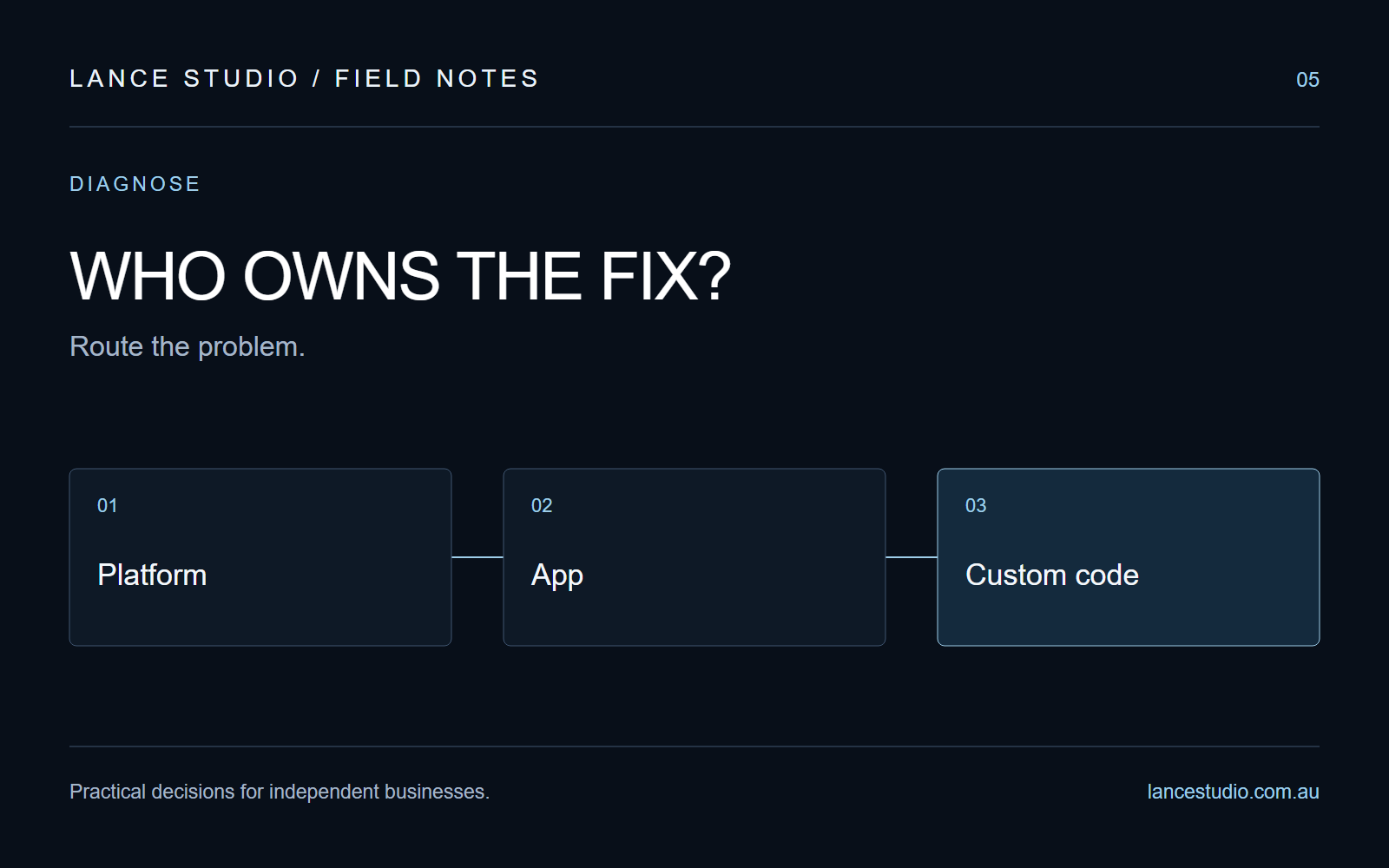
If Shopify admin, checkout, or a Shopify-made feature is unavailable, check Shopify Status and contact Shopify Support. If one third-party app is failing, use Get support under Settings > Apps or the support details on its App Store listing. If the issue appears only in your theme, custom code, tracking, or integration, send it to a developer.
Safe checks a merchant can make
- Try the storefront in a private browser window to rule out a stale session.
- Test one other device or network.
- Check Shopify Status for a platform incident.
- Open the theme preview rather than publishing a different theme.
- Review recent app and theme changes without editing them.
Stop when the next step would change checkout, payments, inventory, customer data, discounts, fulfilment, or the published theme. Those areas deserve a recorded plan and a reversible test.
Send a handoff that can be acted on
A useful message can be short: “On this URL, after these three steps, I expected X but saw Y. It began at this time. These were the recent changes. Here is a recording.” Add the affected order, product, theme, or app name when relevant, but remove customer information that is not needed.
Ask the person helping you to state the suspected cause, proposed change, test method, and rollback before touching the live store. For an urgent fault, this written checkpoint is more valuable than a rushed promise.
Official sources
Product, access, and technical details in this article are based on the following official documentation.
Planning a custom Shopify website?
Share your store, the customer journey you want to improve, and what your current theme cannot support. We can assess the scope of a custom Shopify build.