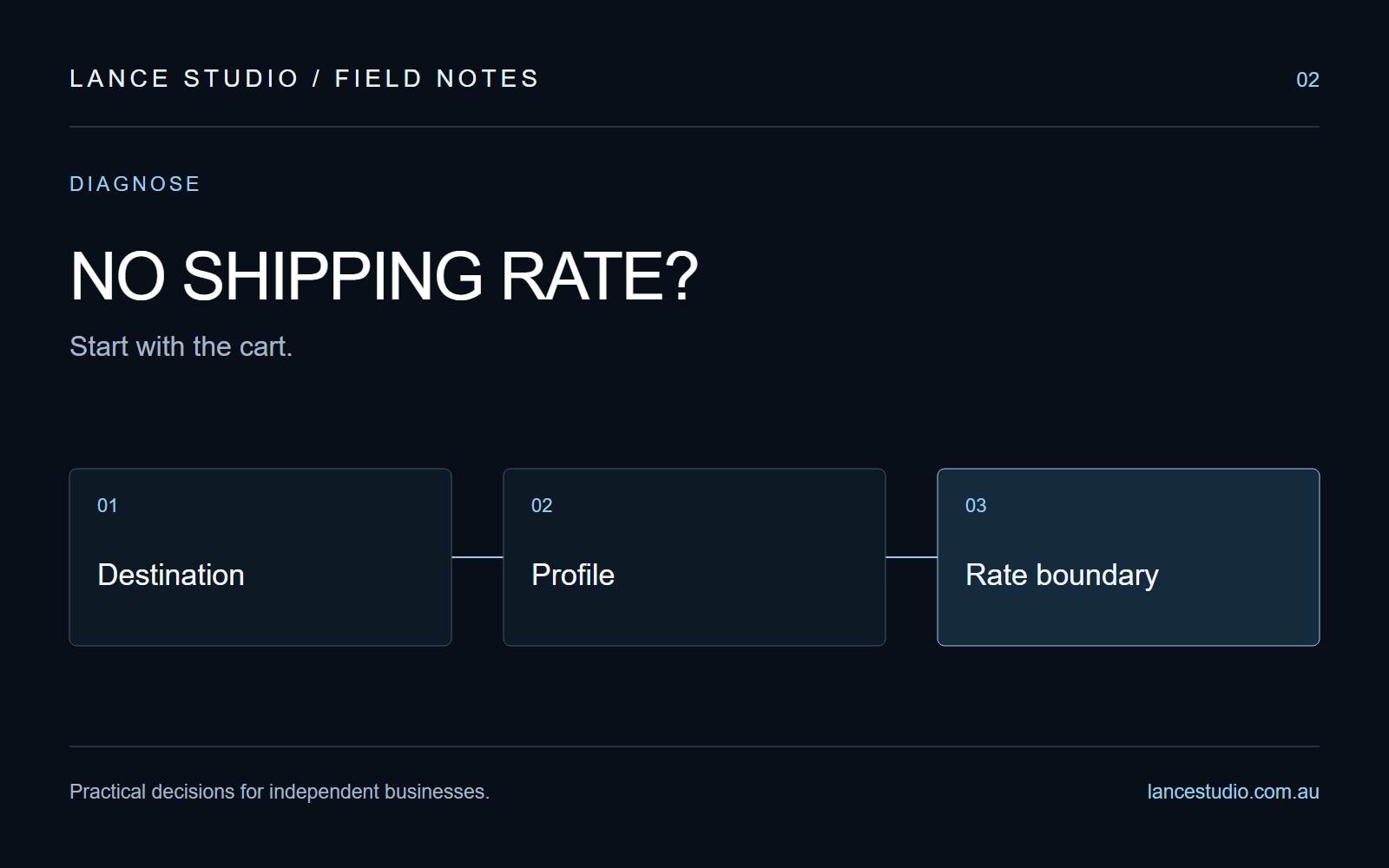
Use a repeatable shipping test card
- Cart: product/variant __; quantity __; discount __; destination country/postcode __.
- Expected delivery option and charge __; actual message or missing step __.
- Interface and product/profile or market rule inspected __.
- Baseline: item alone __; same item in the failing mixed cart __.
- After one justified change: original cart __; nearby quantity or discount boundary __; unserved destination __. Stop before payment.
Capture one failing checkout
Before editing anything, record the product and variant, quantity, destination country and postcode, discount code, and the message shown. Use a test address you are authorised to use and avoid copying customer details into a support message. Note whether the problem happens with one product or only when products are bought together.
Keep a short before-and-after record. A screenshot of the relevant settings and a written expected result make the retest meaningful. “Shipping works” is too broad: specify which basket and destination should receive which delivery option. The sequence below is a troubleshooting method, not a promise that every shipping app has the same controls.
If the address step is missing, check the product
Shopify includes the shipping address step when the cart contains an item that requires shipping. A cart containing only non-shippable items skips that step and has no shipping rates. In Products, open an affected item and inspect Physical product in its Shipping section; for variants, check the affected variant.
Only enable this for goods that actually need delivery. A digital product should not be changed just to force an address form. If a physical item was recently imported or bulk edited, include its shipping requirement in your checks. This separates a product setting issue from a delivery-rate issue.
Check the destination and the shipping interface you have
Shopify is gradually moving stores from shipping profiles to shipping options by market. Most stores still use their existing shipping profiles until their store is upgraded. Use the instructions matching your admin; do not rebuild your setup simply because a help screenshot looks different.
For stores using profiles, a destination country needs an active market as well as a suitable shipping zone and rate. A zone alone does not make an inactive market available for orders. Check Australia and the intended regions if the failing address is domestic; check the actual destination market for overseas orders.
In the newer interface, inspect the destination market and its shipping options, including any inherited options. Check product and location conditions on the relevant rates. Keep a note of which interface you inspected so someone helping you follows the same path.
For profile-based stores, trace the affected product
Open Settings > Shipping and delivery and inspect the profile containing the affected product or variant. Check the fulfilment origin, the destination zone and its available rates. A profile defines rules for products and locations; a product or variant belongs to only one profile at a time.
Apps that handle fulfilment can add locations and affect this setup. If the issue appeared after an app change, inspect its assigned products and locations before moving anything. Do not delete an app-managed profile as a general troubleshooting step.
- Test the affected item alone first.
- Then test it with the second item from the failing basket.
- If only the mixed basket fails, compare both products’ rules and fulfilment locations.
Check the rate boundaries, then retest
For profile-based weight rates, check product weights, units and the default package weight against the available ranges. For price-based rates, Shopify evaluates cart value after discounts and before tax. A basket can fall outside the ranges you expected. Carrier or app rates also depend on shipment details and the service returning a quote.
After saving one justified change, repeat the original basket and address, then test a nearby boundary: a different quantity, a discount, or a mixed basket. Include an address you do not serve to check the intended limit. Stop before payment; confirming a delivery option does not require placing an order.
If it still fails, send your support contact the anonymised test basket, postcode, error text, shipping interface and the settings already checked. Keep app errors with their timestamps. This is more useful than granting broad access and asking someone to change everything. Official sources below were checked on 2 November 2026.
Frequently asked questions
Why is there no shipping address step?
A cart containing only products that do not require shipping skips the shipping address step. Check the Physical product setting for goods that should be delivered, including the affected variants.
Should I create another shipping profile?
First inspect the existing product assignment, origin, zone and rate. Another profile is useful only when products need different rules; it is not a general fix for a missing rate.
Official sources
Product, access, and technical details in this article are based on the following official documentation.
Planning a custom Shopify website?
Share your store, the customer journey you want to improve, and what your current theme cannot support. We can assess the scope of a custom Shopify build.