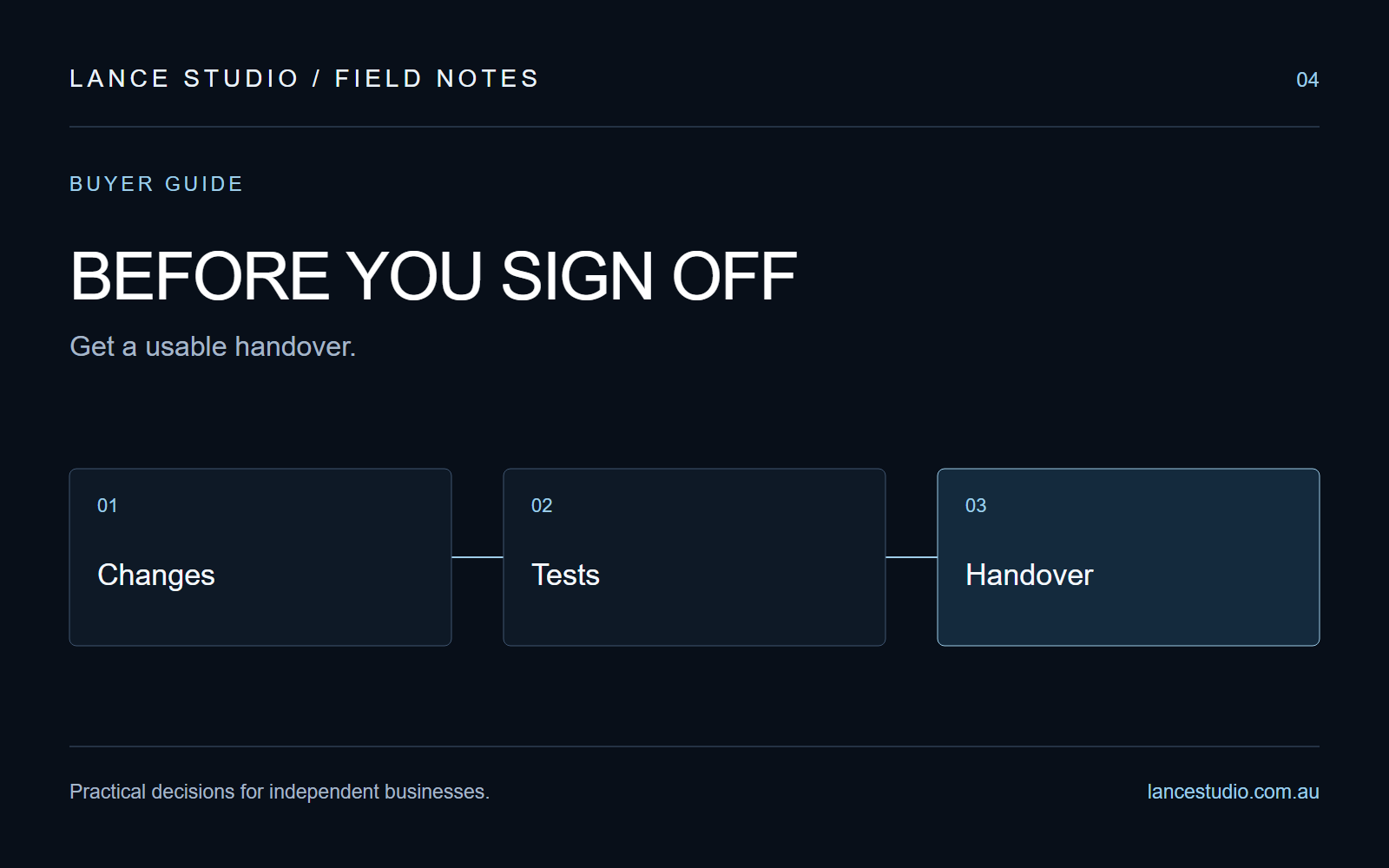
Copy this handover acceptance checklist
- Deliverable: agreed outcome __; preview/final URL __; exclusions __.
- Change map: files/settings/integrations __; where the owner edits content next __.
- Evidence: device/browser and customer path __; expected result __; actual result __.
- Release: approving person __; approval time __; previous version or recovery instructions __.
- Operations: permissions still needed __; limitations __; maintenance owner __. Mark untested items “not tested”.
Start with the kind of problem you actually have
Platform questions, third-party app issues, and custom storefront work have different owners. Shopify Support can help with the Shopify platform and Shopify-made apps. A third-party app developer owns faults inside their app. A Shopify developer is useful when the issue crosses theme code, app behaviour, tracking, data, or a store-specific workflow.
- Use Shopify Support for account, billing, platform, and Shopify-made app questions.
- Use the app vendor for app errors, app features, or app-specific charges.
- Use a developer for theme code, custom sections, integrations, technical SEO, and problems that require investigation across systems.
A useful support request has a clear input and output
A request should include the store URL, affected page, expected result, actual result, screenshots or a recording, and when the problem began. That is enough to reproduce most storefront issues without a long discovery call.
The delivery should be just as concrete: what changed, where it changed, what was tested, any limitation, and whether the merchant needs to approve or publish anything. If time is billed, the summary should also show the time used.
Safe access is part of the service
A Shopify Partner should normally request collaborator access instead of asking for your password. You control the permissions and can remove access when the work is complete. Theme work should be made on a duplicate or unpublished theme when practical, then shared as a preview before publication.
- Grant only the permissions required for the agreed task.
- Never send passwords, 2FA codes, card details, or API secrets in chat.
- Ask for a preview link for visual theme changes.
- Keep a written approval trail for sensitive or live-store changes.
Choose the commercial model that matches the work
A defined build or redesign is usually easier to manage as a fixed quote. Recurring small changes can suit a monthly time block. Unclear faults often need a short diagnostic step before anyone can quote the repair honestly.
The best arrangement is not the one with the most included hours. It is the one that makes priority, response expectations, unused time, publishing authority, and out-of-scope work explicit before the first task starts.
Official sources
Product, access, and technical details in this article are based on the following official documentation.
Planning a custom Shopify website?
Share your store, the customer journey you want to improve, and what your current theme cannot support. We can assess the scope of a custom Shopify build.